How Humidity Affects Your Home Office Setup (And What to Do)
Living in Japan means accepting that humidity will touch everything you own. From June to September, indoor moisture levels often exceed 70%, which slowly damages paper, electronics, and even your physical workspace comfort. The first sign is usually sticky paper: notebooks refuse to lie flat, sticky notes curl at the edges, and printed documents ripple. This is not a minor annoyance. When your tools behave unpredictably, your brain spends extra energy compensating. A home office setup that works perfectly in dry winter can become unusable in rainy season without the right adjustments.
The most affected area is your desk surface. Humid air makes wood swell, plastic grips slippery, and fabric mats develop a damp smell. To protect workspace comfort, switch to materials that breathe. Replace thick mouse pads with perforated silicone mats or cork surfaces. Store paper notebooks vertically in a slotted stand so air reaches every page. Avoid covering your entire desk with a single large mat—trapped moisture creates a microclimate that feels unpleasant against your wrists. Instead, use two small separate mats: one for your mouse, one for writing.
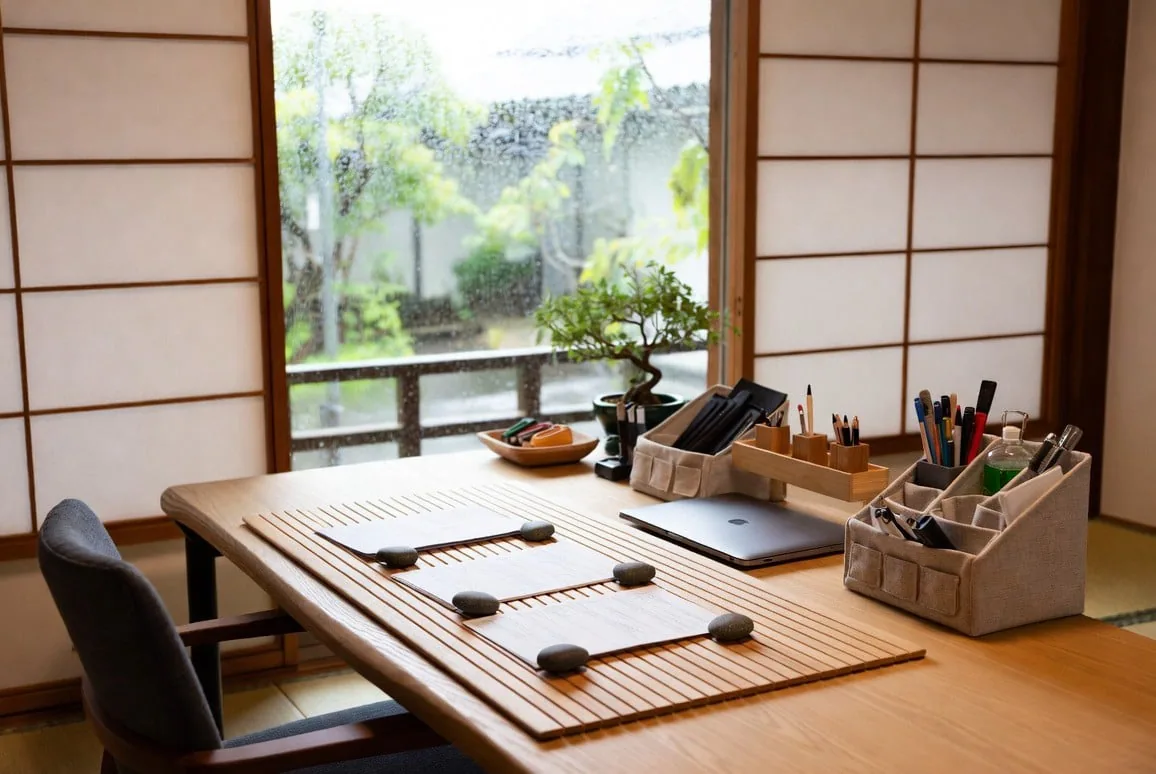
Electronics suffer silently from humidity. Laptop fans work harder in dense air, and exposed charging ports can corrode over time. Improve your home office setup by creating a small air corridor. Raise your laptop on a simple wire stand (even two pencil erasers work in a pinch) so air flows underneath. Keep at least five centimeters of clearance behind your monitor. Do not push your desk against a window where condensation forms. These tiny gaps make a surprising difference in desk organization because they prevent you from stacking items too tightly. Humidity demands breathing room.
Your own body also feels the difference. High humidity makes skin stick to chair armrests, palms sweat onto mice, and glasses fog when you lean toward the screen. Restoring workspace comfort means adding friction where you need it and reducing it elsewhere. Use a small cotton hand towel near your keyboard—not for cleaning, but for drying your palms every hour. Wear short sleeves or roll up your sleeves so your forearms do not stick to the desk edge. These behavioral tweaks cost nothing and often work better than any gadget.
Storage solutions need special attention during humid months. Avoid closed plastic bins on or under your desk; they trap moisture and grow mold. Instead, use open wire baskets or slotted wooden crates for desk organization. If you must use drawers, place a small reusable silica gel pack in each one. Replace or recharge the gel every two weeks. Paper items like sticky notes and index cards should live in vertical holders, not stacked horizontally. Stacking traps moisture between layers. Vertical storage lets air move freely, preserving your supplies and improving workspace comfort simultaneously.
Here is a simple weekly check for your home office setup during humid season: every Monday morning, touch every surface on your desk. Does the wood feel damp? Does the plastic mouse have condensation? Is the back of your monitor warm and dry? Answering these three questions takes thirty seconds but prevents long-term damage. If you feel dampness anywhere, point a small USB fan across your desk for twenty minutes. Air movement is your best weapon. Humidity will always return, but a prepared home office setup turns it from an enemy into a manageable seasonal guest.